
AI Coding Agent Security: Turn Off Auto-Accept
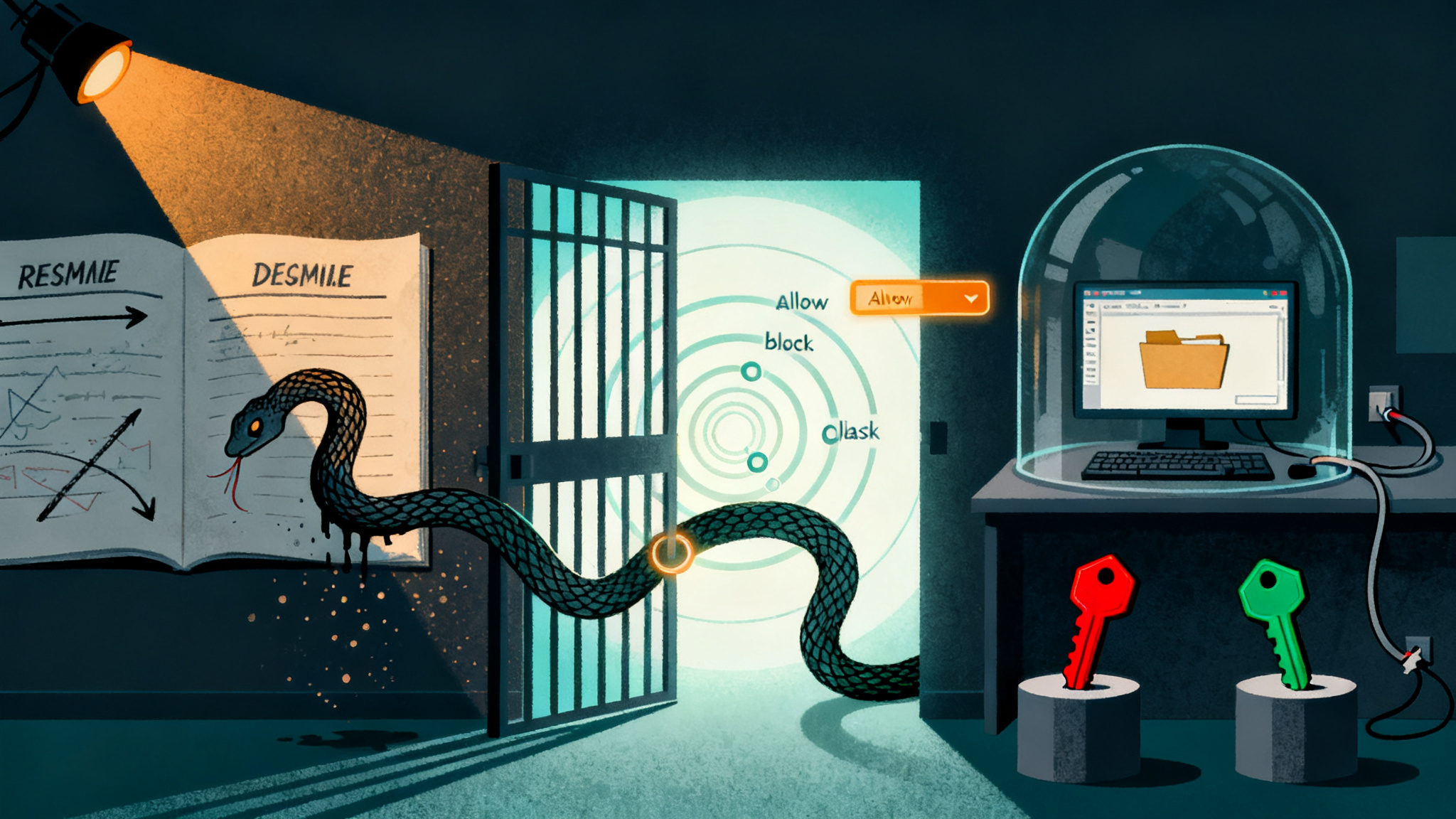
The dangerous part of an AI coding agent is not that it can write code.
It is that, with auto-accept enabled, it can turn text it reads into actions taken with your permissions. OWASP's 2026 guidance points at six tools used in developer workflows: Claude Code, Cursor agent mode, Aider, Devin, Copilot Workspace, and Codex.
Those agents can execute shell commands, install packages, edit files, run tests, access the network, and push branches autonomously. That makes security a permissions problem, not ordinary code review with extra steps.
The useful response is plain: turn off auto-accept, grant only the tools a task needs, separate read access from write access, isolate shell commands from the filesystem and network.
And ask for fresh approval when an action breaks a default-deny rule. The settings already available in the agent matter more than a new security platform.
The details are where the argument gets uncomfortable.
AI Coding Agent Security Starts in the README
Indirect prompt injection is the threat both OWASP and NVIDIA place at the center. The delivery mechanism is not exotic. It can be an issue body, PR description, PR comment, README, dependency changelog, error trace, fetched web page, or MCP tool response.
OWASP's AI Agent Security Cheat Sheet describes indirect prompt injection as malicious instructions "injected via user input or external data sources (websites, documents, emails) that hijack agent behavior." OWASP's secure coding guidance applies that warning directly to the material coding agents read.
Here is the structural problem: the input channel and execution channel meet in one context.
A PR description is not merely something the agent summarizes. It can become text that influences the next tool call, while that call may run a shell command. With auto-accept on, an attacker does not need a clever exploit.
A README containing the right instruction may be enough to redirect the agent.
OWASP's rule is short: "Treat all repository content (issues, PRs, comments, READMEs) as untrusted." Treat repository text like email from strangers.
The agent should be able to read it without granting it authority to decide what happens next.
AI Coding Agent Security Settings You Already Have
The controls that matter most may already be in the tool installed on the developer's machine. Claude Code's security documentation includes a sandboxed Bash tool with filesystem and network isolation, configurable with the /sandbox command.
Its permission system includes Manual mode, where sensitive operations require explicit approval. Claude Code also detects command injection and asks before running a Bash command it cannot fully analyze in Manual mode. Commands the agent must never run can go in permissions.deny.
The Agent SDK's secure deployment guidance uses the same basic model for agents built with the SDK. Permission rules determine whether a tool call runs, is blocked, or asks for approval first.
Bash commands can run in a sandboxed environment that limits filesystem and network access.
Allow, block, or ask. Those are the core decisions. No purchase is required for that part.
An in-app sandbox is still inside the application, though, and the surrounding process may hold credentials. That is where NVIDIA's guidance adds the controls the application cannot supply by itself.
NVIDIA's Sandbox Scope Is Larger
NVIDIA's guidance on sandboxing agentic workflows sets a baseline of OS-level controls:
- Block network egress to unknown destinations. - Prevent file writes outside the active workspace. - Block writes to agent configuration files or extensions. - Sandbox the IDE and every spawned function, including hooks, MCP startup scripts, skills, and tool calls. - Require fresh approval for every action that violates an isolation control. - Manage the lifecycle so code, intellectual property, and secrets do not accumulate.
Claude Code's native settings cover parts of this list. Sandboxed Bash provides network and filesystem isolation for Bash commands. permissions.deny can stop the agent from running specified commands. Manual mode provides approval, alongside command injection detection.
The boundary is visible in the gaps. NVIDIA recommends putting the whole process in a sandbox runtime or dev container. And running tool calls as their own user where possible. The native agent setting does not automatically sandbox the IDE, hooks, MCP startup scripts, skills, and every spawned function.
NVIDIA's most useful sentence is a rejection of a tempting shortcut: "Allow-once / run-many is not an adequate control." Auto-accept is that shortcut at session level. The session gets approval, while the tool calls inside it continue without fresh decisions.
Two recommendations have no in-app answer in the material here: secret injection and lifecycle management. Secrets in environment variables should not flow to the agent.
A key inherited by the agent is a key no allow/block/ask rule gets to review.
A Small Operator's Security Baseline
The first answer is not automatically another platform. NVIDIA's controls are a mix of native settings, a dev container you configure, and OS rules on the machine. For a solo operator, the switch inside the agent may be the security program.
Start with these changes:
- Turn off auto-accept and use Manual mode so sensitive operations need explicit approval. NVIDIA says allow-once/run-many is not an adequate control. - Run /sandbox in Claude Code so Bash commands receive filesystem and network isolation rather than access to the full disk and network. - Put every command you never want the agent to run into permissions.deny. - Move the whole process into a sandbox runtime or dev container, as Claude Code's documentation recommends for additional isolation. - Stop exporting secrets into the environment inherited by the agent. Inject them at runtime instead, following NVIDIA's guidance. - Rebuild the sandbox on a schedule instead of allowing code, intellectual property, and secrets to collect inside a long-running one.
This is not glamorous work.
Configuration files are less exciting than a platform demo. And even the word "sandbox" has somehow become a meeting magnet.
Questions About Agent Security
Is auto-accept safe?
The supplied guidance does not support treating auto-accept as safe.
It gives an agent permission to act without fresh approval for each tool call, while indirect prompt injection can arrive through repository content and other external data.
OWASP says repository content must be treated as untrusted.
And NVIDIA says "Allow-once / run-many is not an adequate control."
How do I sandbox Claude Code?
Use Claude Code's /sandbox command to configure its sandboxed Bash tool with filesystem and network isolation. For broader coverage, Claude Code's documentation recommends placing the whole process in a sandbox runtime or dev container. That outer boundary is relevant to the IDE, hooks, MCP startup scripts, skills, and other spawned functions.
What is indirect prompt injection in coding agents?
It is malicious instruction text placed in user input or external data that hijacks agent behavior.
In coding workflows, the text may come from an issue, PR, comment, README, dependency changelog, error trace, fetched web page, or MCP tool response.
The risk appears when the agent can read that text and then use its permissions to execute actions.
What should happen when an action breaks a default-deny rule?
The agent should request fresh approval. Manual mode and command injection detection provide that behavior for the covered Claude Code operations; broader controls may require the sandbox runtime, dev container, or OS-level rules described by NVIDIA.
The default-deny stance and the auto-accept warning are the whole of the argument. Treat repository content as untrusted, isolate the shell, and require fresh approval whenever an action crosses the boundary. The payoff is not theoretical polish: it is knowing whether the agent reviewed a branch or had the authority to create one without you seeing the tool call first.
Sources
OWASP Secure Coding with AI Cheat Sheet
OWASP AI Agent Security Cheat Sheet
Claude Code security documentation
Comments ()