
OpenAI Codex Runs Your Locked Mac While You Sleep. The Security Tradeoff Is Real.
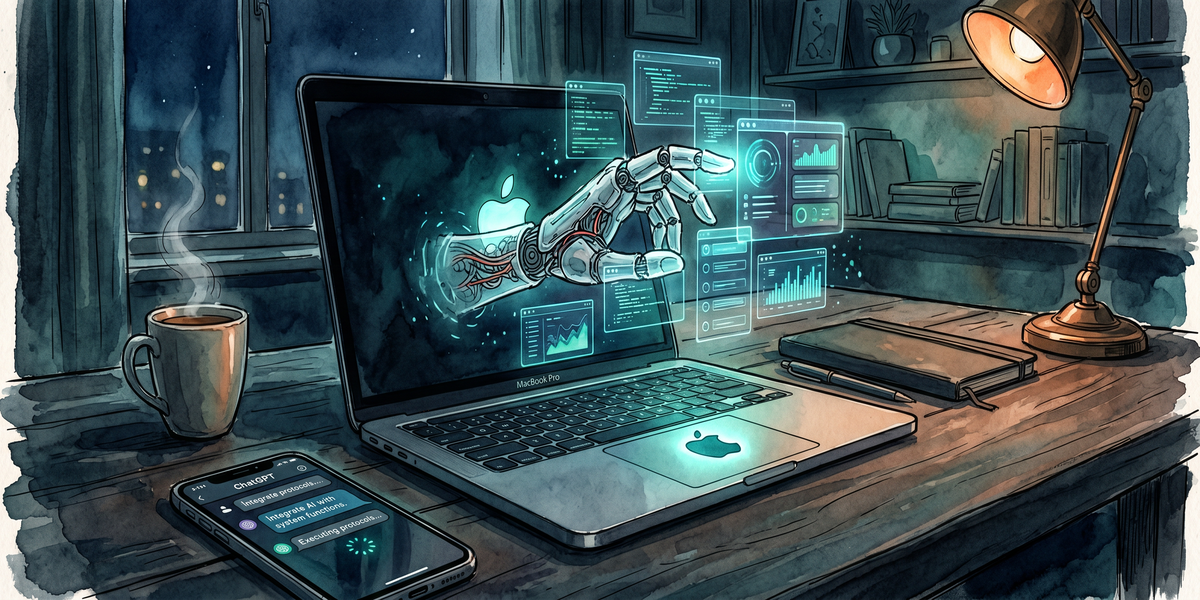
Key Takeaways - Locked Use lets Codex work on a dark, locked Mac. No human at the keyboard needed - Accessibility + Screen Recording permissions give it near-total UI control; same permissions a RAT would want - EU, UK, Switzerland blocked at launch. That tells you something - SOC 2 clients? You need to document this before your next audit
---
So. May 21.
OpenAI shipped something that actually changes how solo operators think about overnight work.
Codex can now control your Mac while the screen's locked and the display is dark.
You send it tasks from the ChatGPT iOS app before dinner. It grinds away. You wake up, review what it did, go about your day. The machine sat there unlocked? Not anymore.
Also dropped: Appshots.
Hit Command-Command and drop any running app window into a Codex thread. And Goal Mode graduated from experiment to general availability, meaning it now pursues objectives across session breaks without babysitting.
Theo's reaction on X was quotable: "At this point I think OpenAI has more macOS engineers than Apple does." 1.8M views on the @OpenAIDevs post in hours. That's not normal for dev tool announcements.
If you're running a one-person shop or managing automation for clients, read this before you flip the switch.
What Locked Use actually unlocks
The hard constraint this removes: your Mac had to be awake, unlocked, and in the foreground. That sounds trivial until you try running a four-hour build pipeline overnight and realize you have to leave the machine unlocked with the screen on. Exposed. To anyone walking past your desk.
Codex installs an Apple authorization plugin and runs inside approved applications while your Mac is locked.
You send it work from your phone. It processes. You review in the morning. No human at the keyboard, ever.
It needs two permissions to do this: Accessibility (programmatic UI control) and Screen Recording (so it can see what's on screen and click the right buttons). These aren't sandboxed.
They are, honestly, the exact permissions a remote access Trojan would request.
OpenAI added safeguards: short-lived unlock windows, automatic relock if keyboard or mouse activity is detected, per-app permission prompts.
The covered display requirement is clever — close your MacBook, kill the external monitor. And no one gets a visual feed of what's happening.
That's the protection model.
The security model is not enterprise-ready
Here's where I get uncomfortable.
The Safeguards page sounds solid until you ask the obvious follow-up: what happens if the unlock window is active and someone physically shows up at the machine? OpenAI's docs assume adversarial local access is unlikely. That assumption holds in a home office.
It does not hold in a shared workspace, a co-location cage, or a situation where law enforcement shows up with a warrant while an AI job is mid-execution.
OpenAI correctly notes that Codex can't automate Terminal apps, system-level admin prompts, or the Codex app itself.
That narrows the blast radius. Fine.
But Accessibility + Screen Recording together give a capable actor everything they need to read your screen, simulate clicks in any app. And navigate through workflows on your behalf. That's not a hypothetical. That's the permission model.
EU, UK, Switzerland blocked at launch.
That's not an accident — that's legal reading the room on local privacy regulations. If you're in those regions, this doesn't apply to you yet.
If you're in the US: enable it at your own risk and understand exactly what you've granted.
For agencies managing client repositories: a Codex instance with these permissions running on a machine that touches client work is a compliance surface. Document it. If you're subject to SOC 2 or any security audit, auditors will want to know. Have that conversation before a client finds out on their own.
For solo operators, the economics just shifted
I wanna be direct about the upside because it's real.
A one-person agency running Codex on a locked Mac has effectively added a second operator during off-hours.
Start a complex workflow from your phone at 8pm. Let it run on your locked office machine. Review results at 7am. No additional hardware. No cloud instance. Just hardware that was sitting idle for eight hours.
Goal Mode makes this stickier. It persists across session breaks. Set a goal, walk away, come back when it's done. For build pipelines, data processing scripts, automated testing runs. Any workflow that doesn't need human judgment mid-execution, this is a genuine capacity increase.
The cost is the attack surface you accept by granting these permissions.
If you can run this on a dedicated machine, do it. Keep it off your primary workstation if you handle sensitive client data.
That separation is the smart play.
OpenAI just shipped what everyone else couldn't
This is the part that matters for anyone evaluating desktop AI agents.
Codex ships on Thursdays now. Every week, something new. This isn't a research preview. It's a product team treating desktop agents as a shipping priority. The locked screen problem stopped every other desktop agent cold. OpenAI solved it first and is compounding with a weekly cadence.
Theo's "more MacOS engineers than Apple" line circulated way beyond the usual dev tool bubble.
That kind of reaction signals a platform shift to the people who build on platforms.
Evaluating desktop AI agents for your workflow today?
Codex with Locked Use is the only option that actually solves overnight compute. Everyone else still requires an awake machine. That's not a feature gap. That's a fundamental limitation.
The real question isn't whether to use this. It's whether you understand what you're granting and whether your use case justifies the risk.
OpenAI shipped it on a Thursday.
By the following Monday, the baseline for what a desktop AI agent can do had moved permanently.
Sources
OpenAI Codex announcement | Theo Browne X post | OpenAI Safeguards documentation
Comments ()