
Unslop: The Claude Skill That De-AIs Your UI
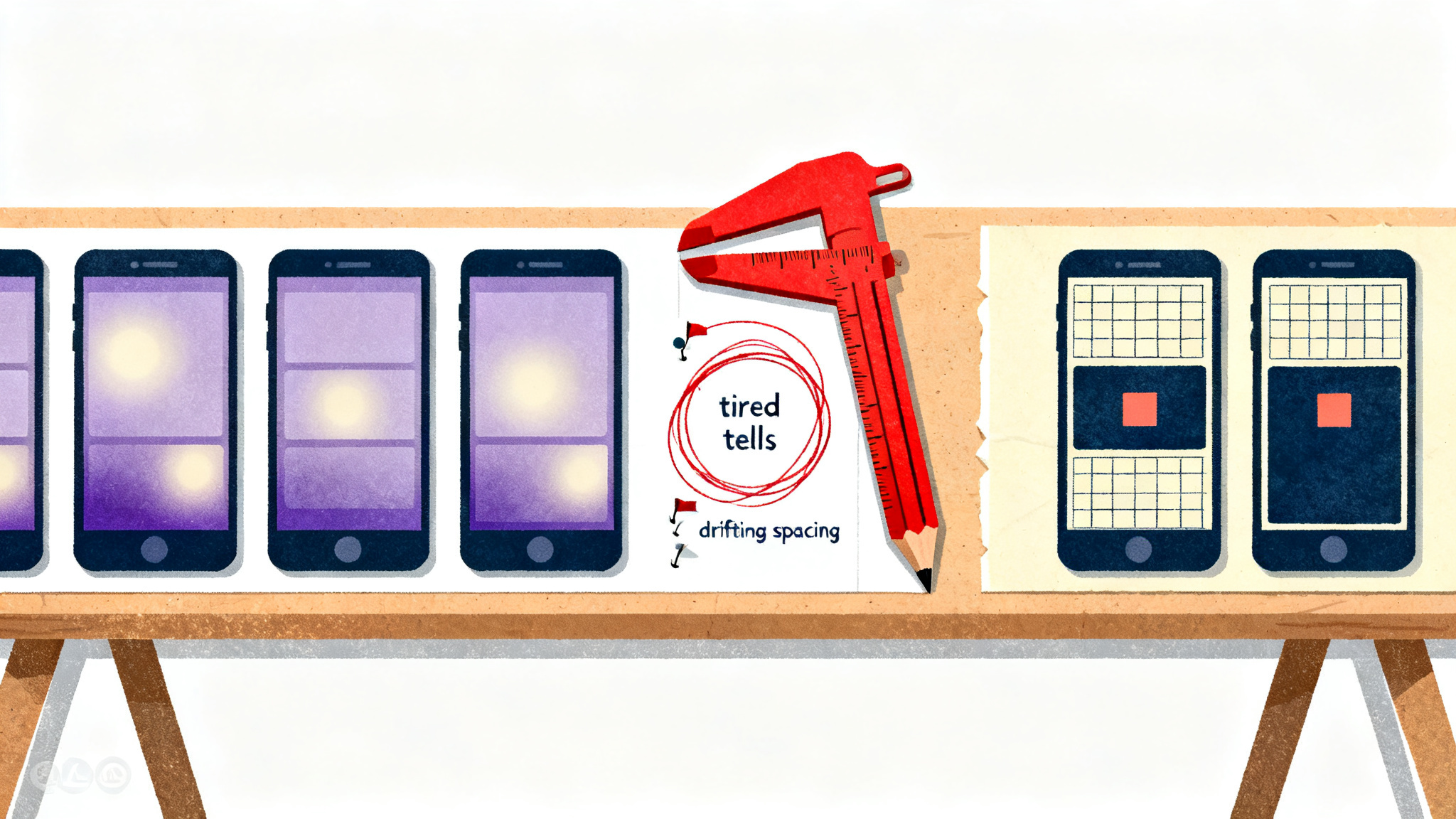
The unslop Claude skill audits five visual tells before it changes a single pixel: purple gradients, glows, emoji labels, shouty copy and uneven spacing.
It is a skill for Claude Code, Codex and Google Antigravity that, in its repo's own words, turns "vibecoded, AI-looking UI into a designed interface with its own character." The mechanics are a three-step loop: it lists every sign of slop and where it lives, sets a design direction from your product before it edits anything, then fixes the screen pass by pass like a designer doing a redline review. Installing it is one clone into `~/.claude/skills`.
And you run it by typing `/unslop` or just describing what you want.
That last part is why I'm writing about it. Not because AI fixed AI. But given that someone encoded an actual review process into the loop. And that process is the part worth stealing.
Every agent-built screen has the same five tells
You know the look even if you've never named it.
Purple gradient hero, a soft glow behind the headline, an emoji next to every feature label, copy that shouts at you. And spacing that drifts a few pixels off everywhere it matters. The unslop repo names all five. And the fact that a stranger's checklist matches your mental screenshot is the whole story.
The tells exist as models regress toward the median of their training data. Nobody chose the purple gradient. It's the average of a thousand landing pages, recombined every time someone prompts "make me a modern SaaS site." The output isn't broken, it's indistinguishable. And indistinguishable is the worse failure for a small operator.
Here's the uncomfortable part: your visitors have seen that exact screen ten times this week. They don't read your copy. They file you under template in about two seconds and leave. When you're a solo builder or a lean business, looking interchangeable costs you the only advantage you actually have, which is that a specific person made this specific thing.
The workflow is the real product
The redesign is nice.
Sequence: what I'd pay for.
Per the documented breakdown on ClaudeMap, the skill runs audit first, then direction, then edits.
And it holds that order.
The audit lists every sign of slop with where it lives. Not a vibe, an inventory. Then it sets a direction from your product: character, world, the one or two moments that carry the color, and a signature detail. Then, and only then, it fixes the screen pass by pass in a fixed order: spacing, color, icons, copy, type, layout, details, visuals, motion. It proposes the direction before it edits anything, so you can steer early. And it tells you when a screen is already good.
Three things in that paragraph are doing heavy lifting. Spacing before color is how an experienced designer actually reviews; amateurs argue about hex values while the grid is crooked. Proposing before editing is a gate. And gates are how you keep an agent from enthusiastically wrecking something that was fine.
And "telling you when a screen is already good" is anti-overcorrection, which most AI cleanup tools never bother with.
My take: the direction step is where the results get decided. Character, world, one or two moments that carry color, a signature detail. That's a brief, and most people will skip writing one and just accept whatever direction the model invents. Those people will get a different shade of slop. If you spend five minutes anywhere in this loop, spend it there.
Install it and point it at your worst screen
The install is short:
``` git clone https://github.com/heydamir/unslop mkdir -p ~/.claude/skills && cp -r unslop/skills/unslop ~/.claude/skills/ ```
In Claude Code, type `/unslop` with what you want.
Or just ask in your own words and the agent picks the skill up by itself, which is the pattern I expect to spread: skills that trigger on intent rather than commands.
It works in whatever your screen is built with, per the repo: Next.js, React, Vue, Svelte, Tailwind or plain HTML and CSS, across dashboards, apps and landing pages. The detail that matters for operators who didn't write the code themselves: it runs on a live site when all you have is a link. If an outsourced build came back looking like every other AI build and you only have the URL, that path is covered.
The unslop name now covers several projects
Search for it and you'll find cousins. Pick by symptom, not by star count:
| Project | What it targets | Scope | |---|---|---| | heydamir/unslop | The whole visual surface | Audit, direction, then ordered passes across the screen | | unslop-ui (iamneilroberts) | Design patterns that make a site look AI-generated | Triggers when you ask Claude to build, review or "de-AI" a site, even if you never say "vibe-coded" | | unslop-ui (felipebasurto) | Interface and chart copy, visual surface optional | Eyebrow labels, 01/02/03 numbering, botsplaining captions, decorative badges, status dots | | maxgoff/unslop | Generated output beyond the screen | Hard constraints across six areas: banned vocabulary and punctuation tells, structural clichés, code and architecture restraint, UI defaults, markdown formatting discipline, honesty and anti-sycophancy, plus conventions for commits, PRs and documentation |
Read that table as a diagnosis chart. If your problem is copy tells like eyebrow labels and 01/02/03 numbering, the chart-copy skill targets exactly those. If the whole surface needs a rework, heydamir's is built for that. If slop is leaking into your commit messages and docs, the six-area constraints project treats that. The eyebrow-label detail is my favorite in the whole list, since it's a tell nobody notices until it's named. And then you see it on every AI-built pricing page for the rest of your life.
I'd still start with the audit regardless of which one you pick. The inventory is useful even if you throw the tool away and fix everything by hand.
What this means if you ship solo
You cannot buy taste, and a skill will not give it to you.
What you can do is encode review discipline, and that's transferable in a way talent isn't.
A fixed order, a gate before editing.
And a defined stopping point are things a one-person operation can run every single time, on every screen, without hiring anyone.
The tells being named and enumerated also means they're now visible to your customers, not just to designers. "Looks AI-generated" stopped being a vague insult and became a checklist. Ignoring the checklist won't make it go away.
So do this: clone heydamir/unslop, run `/unslop` on your worst screen. And read the audit before you let it edit anything. Spend your five minutes on the direction, the character, the one or two moments that carry color, the signature detail. If the audit comes back and says the screen is already good, you learned something too.
Comments ()